New
Revolutionizing Education One Launch at a Time
Shuttle Learning
Interactive GCSE Python lessons with a built-in code editor and instant marking. Watch the ideas come to life, then see where your class is stuck. Free for schools
Interactive Maths & CS courses with expert tutors—built for academic success.

Watch a while loop actually run
Watch a while loop run
Watch an interactive while-loop demo, step by step. One of many GCSE Computer Science worked examples and visual walkthroughs for your students.
See a while loop run step by step in an interactive GCSE Computer Science walkthrough.
How Shuttle Learning works
How Shuttle Learning works
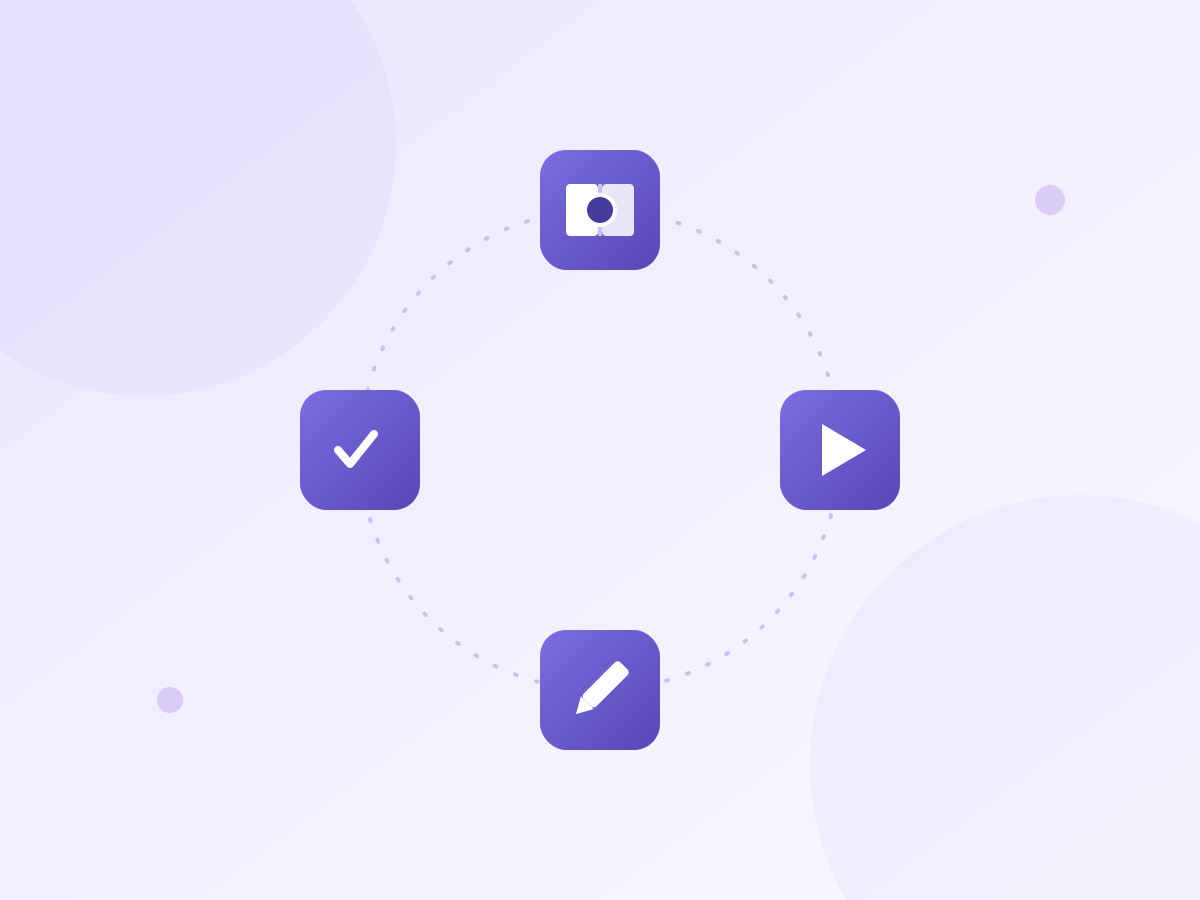
Students read a short explanation, run Python in the browser, change one small thing, then answer a question. Shuttle marks it straight away and points to the exact mistake. You assign the lesson, track progress live, then click Summarise to see what the class found tricky and where each student got stuck.
Students read, run Python in the browser, make a small change and answer a question. Shuttle marks it instantly, highlights mistakes, tracks progress live and summarises where the class got stuck.
Marking matters. Time is the problem.
Marking matters. Time is the problem.
Marking is how you really see how your students are doing. Without it, you'd have no idea who understood and who didn't. The trouble is there's never quite enough time, and spotting the pattern across a whole class is hard when it's late and you've still got thirty scripts to go. Shuttle Learning marks the practice work and shows you what it found, so you still get the full picture, just a lot quicker, with more time left for the teaching itself
Marking shows who understood and who didn’t, but it takes time. Shuttle marks practice work and shows class patterns fast, so you keep the full picture without reading every script.
A quick way to see how everyone's doing
A quick way to see how everyone's doing
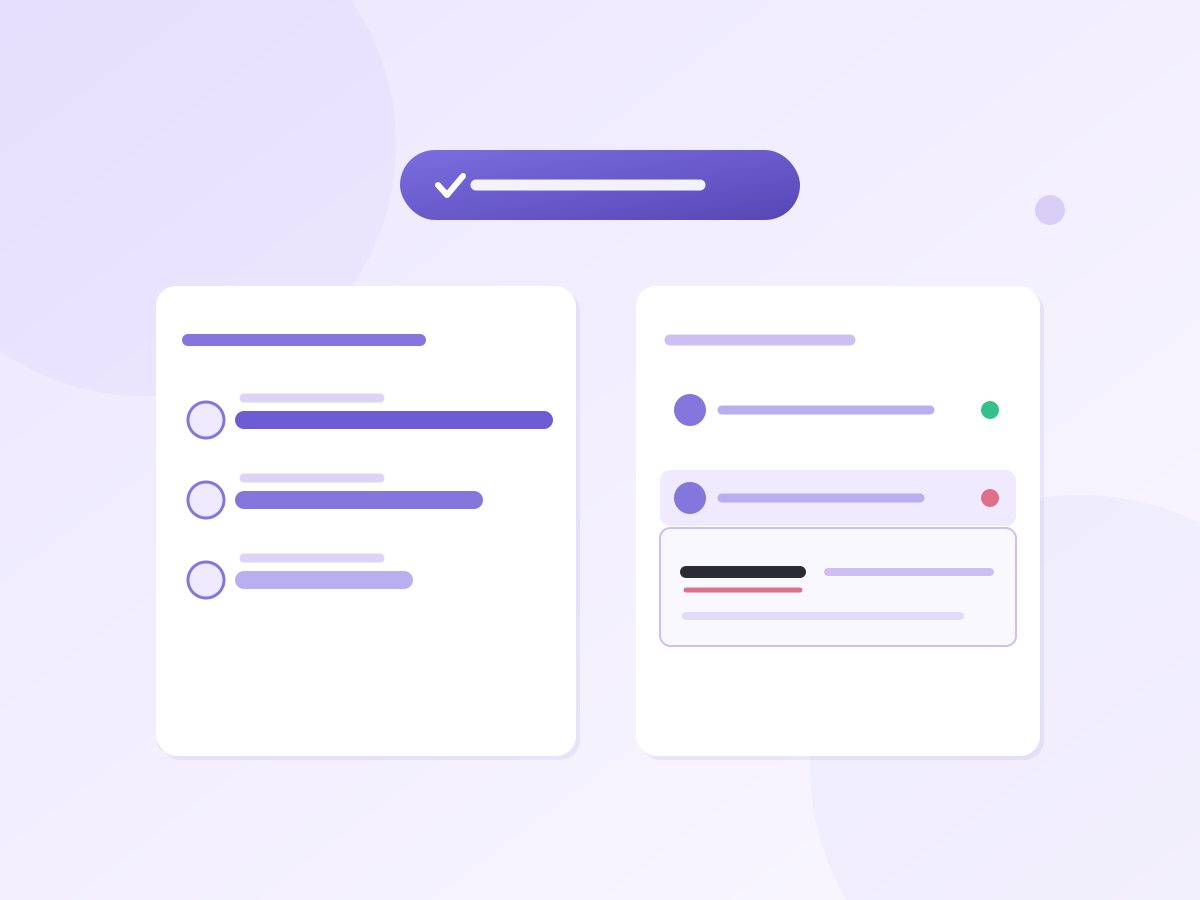
After an activity, press one button and you get a plain summary of how the class did. It reads everyone's work and tells you the mistakes that came up most, and where each student got stuck. It's the part I find most useful as a teacher, because I can walk into the next lesson already knowing who needs a hand with what, without staying up to mark first.
After an activity, click Summarise to see how the class did. Shuttle reads the work, spots common mistakes and shows who needs help with what — before the next lesson.
Learn Python (Interactive)
Learn Python (Interactive)
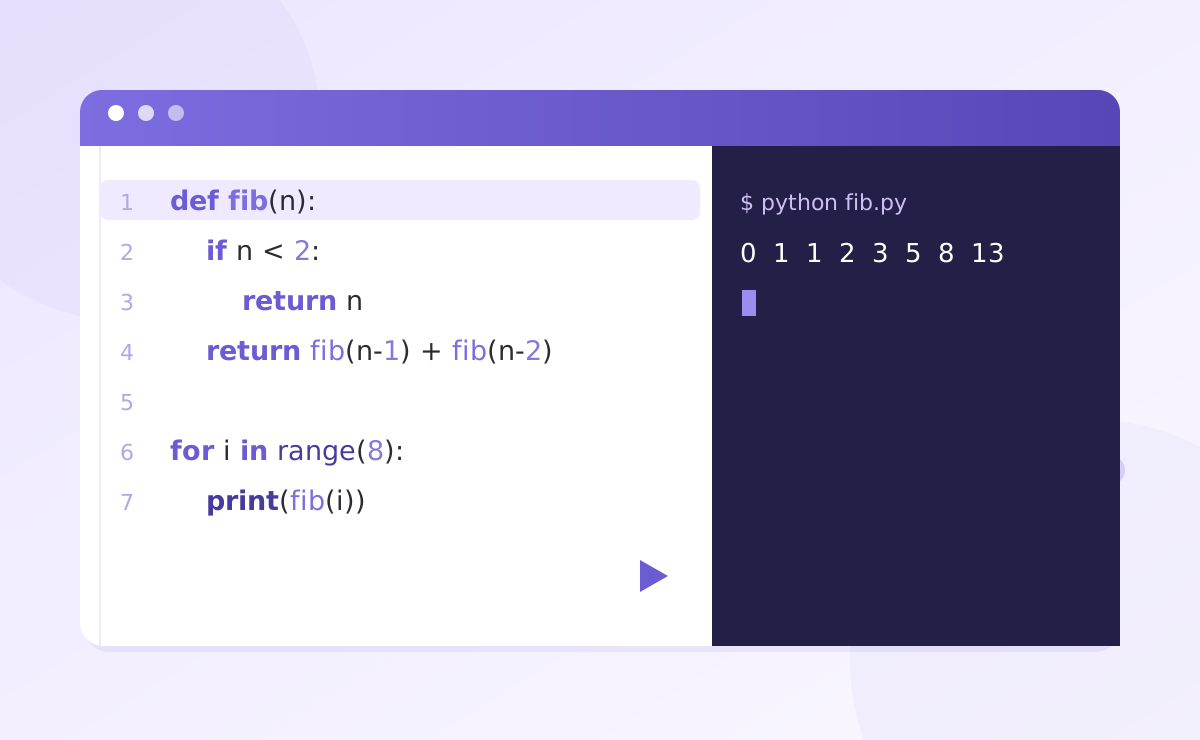
Students read a short explanation, run real Python in the browser, then answer a question. Shuttle marks the work straight away, gives each student a specific next step, and shows you what the class found tricky — without you reading every script line by line.
Students read, run real Python in the browser and answer a question. Shuttle marks it instantly, gives next steps and shows class misconceptions.
Revision Resources + Topic Practice
Revision Resources + Topic Practice
Free topic guides, downloadable cheat sheets and exam-style questions across GCSE, A-Level and IB Computer Science. Set difficulty, target weak spots and track results
Free GCSE, A-Level and IB Computer Science guides, cheat sheets and exam-style practice. Set difficulty, target gaps and track results.
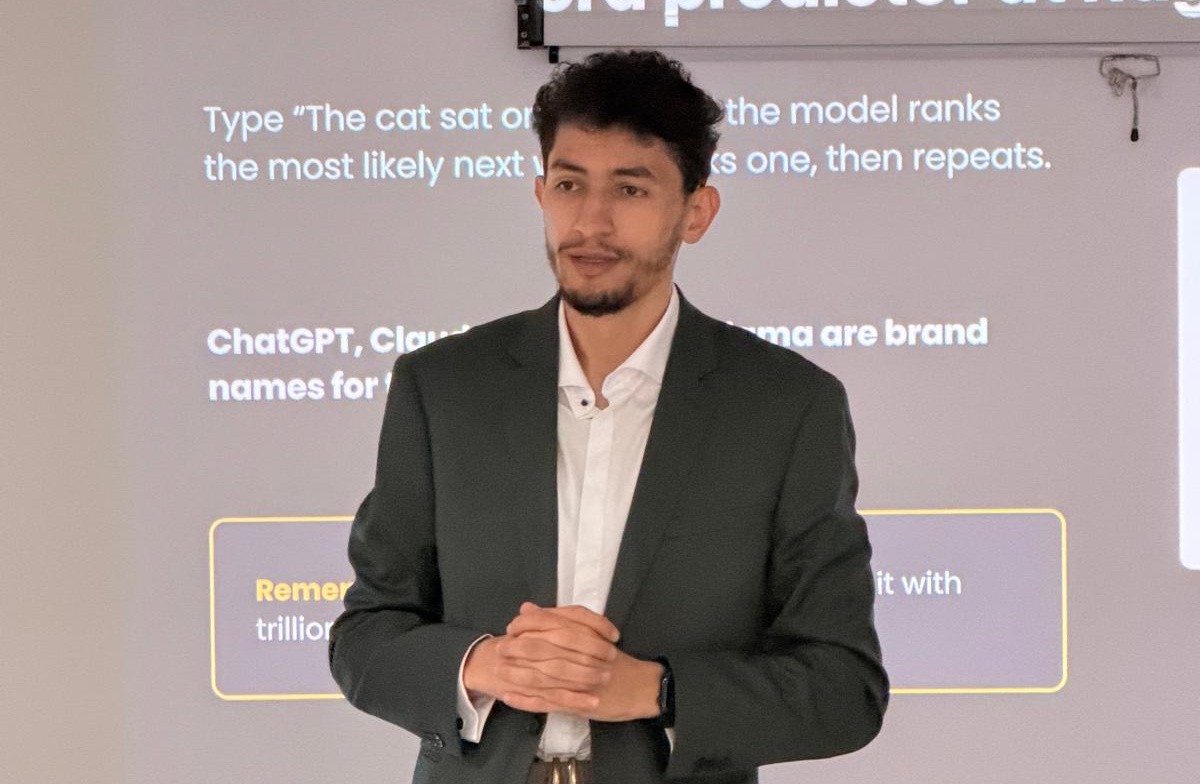
Made by a teacher, for his own class first
Made by a teacher, for his own class first
I'm Yuness. I teach computer science, and I was Head of KS5 Computer Science. I built Shuttle Learning in my evenings and weekends, to start with just for my own students, because I wanted them to have a better way to practise and I wanted a quicker way to see how they were getting on. It's free for schools while it grows, and whatever your students do on it is yours to keep and take with you whenever you like.
I’m Yuness, a Computer Science teacher and former Head of KS5. I built Shuttle for my own students: better practice for them, faster insight for me. It’s free for schools while it grows, and your students’ work stays yours to keep.
In-school workshops
In-school workshops
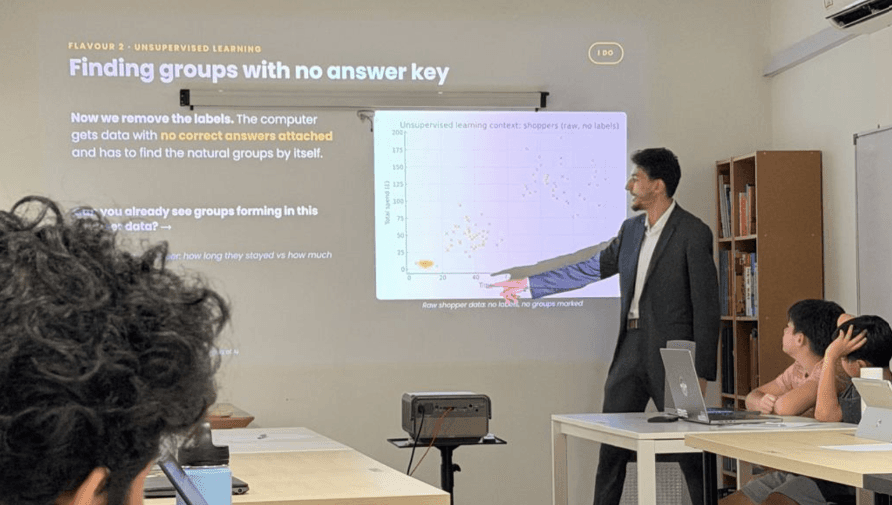
We run hands-on coding workshops — a room of students writing and running real code, led by a specialist teacher. It's the fastest way for your department to see the platform live with your own students. We recently ran one in Kuala Lumpur!
Hands-on coding workshops led by a specialist teacher. Students write and run real code while your department sees Shuttle live in the classroom. Recent workshop: Kuala Lumpur.
Bring Shuttle Learning to your school
We're onboarding schools one at a time. Tell us about yours and we'll set you up with access
Great teaching, wherever learning happens.
Personal tutoring, classroom software and hands-on workshops designed to make learning click.
Great teaching, wherever learning happens.
Personal tutoring, classroom software and hands-on workshops designed to make learning click.
Great teaching, wherever learning happens.
Personal tutoring, classroom software and hands-on workshops designed to make learning click.